Table of contents
Open Table of contents
The Story
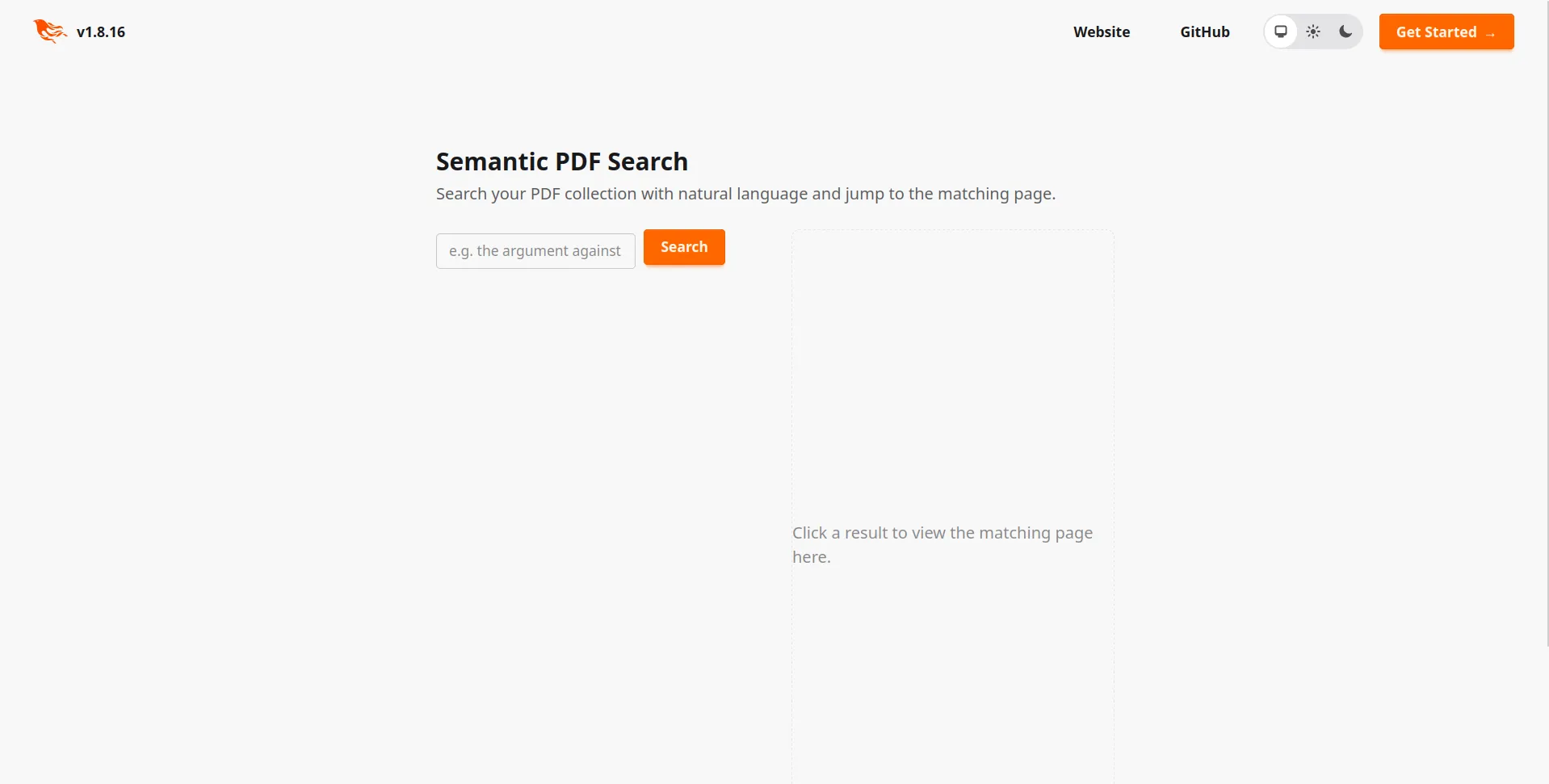
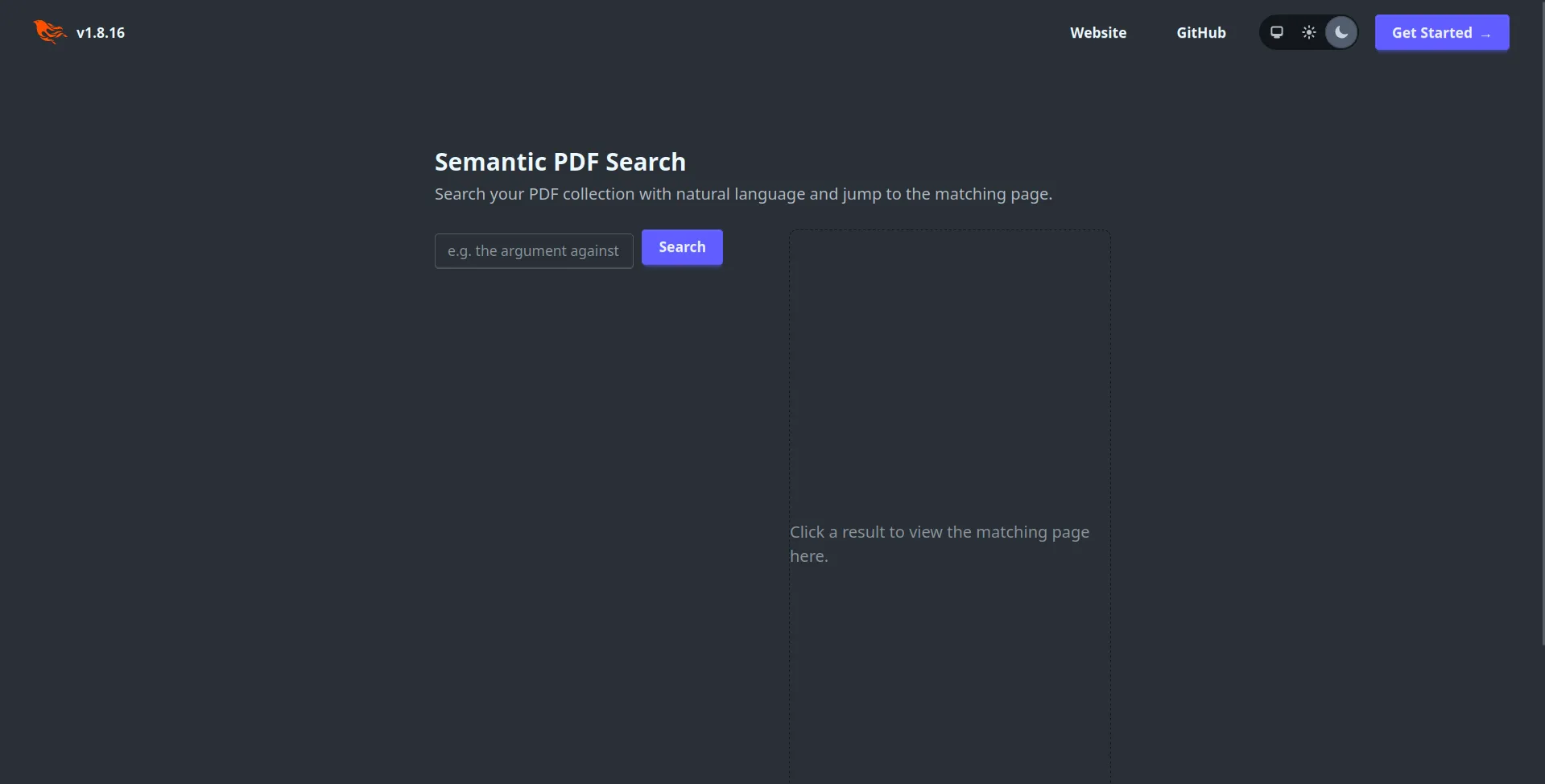
After LESS — the semantic search CLI we built one prompt, one commit at a time — I moved on to the book’s next chapter, Learning by Coding. The project: a web app on top of the CLI — search your PDF library from the browser, click a result, see the exact page. The book walks through it in Elixir and Phoenix: the Inception, Shaping the Idea, Walking Skeleton, Modeling the Domain, Developing the Search UI, Show PDFs, and finally What We Covered. A serendipitous choice for me: I’d started learning Elixir a couple of weeks earlier and had never touched Phoenix. It turned out to be one of the more underrated AI use cases — the agent as a tutor while building something real in a language you don’t know yet. (The author uses Windsurf; I use Zed.)
Last time everything lived in a single spec.md, and one of the ambiguities we worked through was whether the rules belonged in the project or global. This time I was unsure again — how to separate spec and AGENTS.md, what the change log was for — so I wrote the flow down first. It still has room for improvement, but it was already better than what we had for LESS. That split is half of this post.
The md-File Flow
The flow I wrote down before starting, and now repeat per project. Order matters:
0. git init + .gitignore
1. docs/spec.md      <- WHAT: requirements + acceptance criteria + stack + walking skeleton
2. AGENTS.md         <- HOW: commands, interaction rules, coding standards, commit strategy
3. README.md (stub)  <- the front page for humans, finalized at the first milestone
4. BUILD LOOP        <- prompt -> review -> commit, requirement by requirement
The one-liner: spec decides WHAT (with acceptance criteria) → AGENTS.md enforces HOW (with commands) → README shows it to humans → ADRs remember WHY.
The three recurring questions and their answers:
- Where do acceptance criteria go? In the spec, attached to each requirement, written before prompting — never afterwards, never in
AGENTS.md. No requirement without an observable criterion (“done when you can see it”). If you can’t state one, the requirement is underspecified — shape it more, don’t start building. - Where do preferences go (uv over poetry, pnpm over npm)? Split each preference into rule vs decision: cross-project habits live in
~/.config/zed/AGENTS.md, this repo’s operative instructions inAGENTS.md, and this project’s decision + why in the spec’s stack table (plus an ADR if genuinely contested). The small duplication between spec andAGENTS.mdis deliberate: spec = why,AGENTS.md= how. - Where do commands go? The
AGENTS.mdCommands section — always, exact, machine-run, so the agent can run tests itself. The README gets the simplified human subset. Never in the spec.
The build loop after setup: pick the next requirement R_n from the spec and prompt “Implement R2 per docs/spec.md”. The agent works; you don’t watch live. Then review the diff — every line explainable, tests pass, the R_n acceptance criterion observable. You commit: one prompt = one commit. If the spec changed, update it and its change log in the same commit. And if the agent keeps breaking a rule, fix AGENTS.md, not the prompt.
One thing we learned the slow way: acceptance-criteria progress is tracked in git history only, by design. There is no AC checklist file — “done” means the criterion is observable, proven by tests, recorded in the commit. We confirmed this by asking the agent straight out (the prompt is in Setup below).
Shaping the Idea
Like the book’s Inception, I discussed the idea with the agent first — verifying, critiquing, and concluding together rather than trusting it blindly. The stack came out as Elixir + Phoenix. The spec’s own one-liner for why is better than anything I’d write: fault-tolerant BEAM + first-class process orchestration makes wrapping and supervising an external CLI tool trivial and robust. I was already learning Elixir, so I didn’t need more convincing. One book detail cost me 30–60 minutes of reading ahead and watching the companion videos: the two projects (CLI and web app) are separate repos, and the second one uses a mock. The book doesn’t connect them. mix phx.new even generates its own AGENTS.md, so we appended ours on top — repo rules override the global ~/.config/zed/AGENTS.md, which holds only cross-project habits like “Python → uv, Elixir → mix format is the style, no debates.”
The walking skeleton — the smallest end-to-end slice, like a tracer bullet from Pragmatic Programming — was nine steps targeting one evening of work:
1. mix phx.new pdf_search --no-mailer --no-dashboard --live   (bare Phoenix + LiveView)
2. Config: PDF_ROOT and SEARCH_CMD via runtime.exs / environment
3-5. The CLI adapter: Provider behaviour + CliProvider + fake CLI script
   (priv/fake_cli.sh, canned JSON) — argv-list args so shell injection is
   impossible, 15 s timeout, guarded JSON.decode, paths validated against PDF_ROOT
6. One LiveView (SearchLive) at /: form -> "searching..." -> results list
   (rank, file, page, score), queries serialized through a Search.Server GenServer
7. Result click -> second pane embeds <iframe src="/pdfs/<file>#page=<n>">
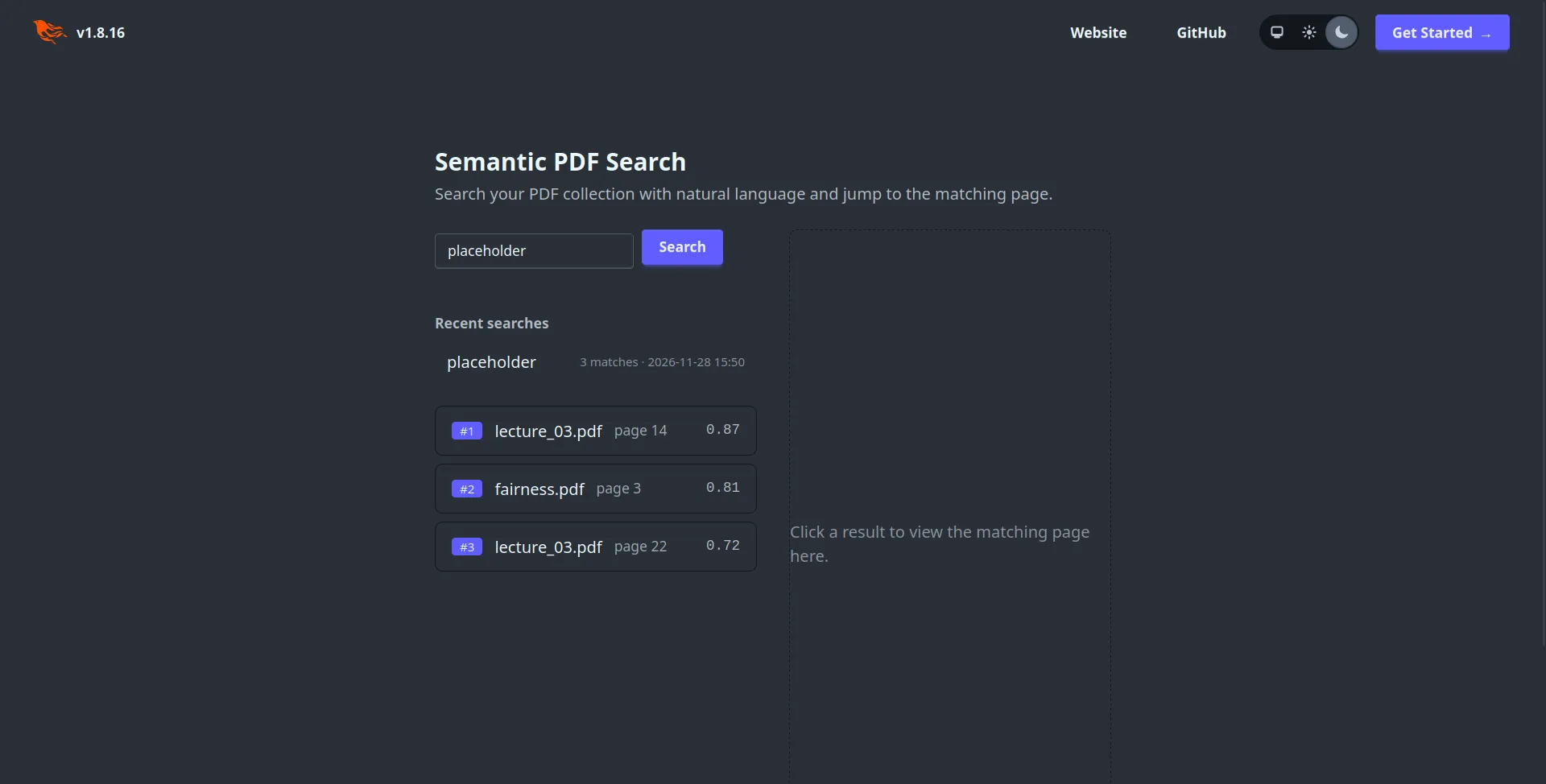
8. Search history: SearchLog Ecto schema on SQLite, last 20 under the search box
9. Manual end-to-end check: fake CLI -> search -> results -> click -> correct page
   -> restart -> history still there
A note on testing, since I didn’t know the ecosystem: ExUnit is part of the standard library (mix test), and Phoenix.LiveViewTest mounts the view in a connected state and asserts on rendered updates with no browser. One caveat we hit: the SQLite Ecto adapter doesn’t support async tests — DB-touching modules run async: false.
Building It, One Commit at a Time
The app is less_ui — Phoenix 1.8 + LiveView wrapping the less CLI. The git history tells the story better than I can; the scaffold plus nine commits, 58 tests at the end:
chore: initial project scaffold          (spec v0.4, 3 ADRs, AGENTS.md, README)
chore(config): add PDF_ROOT and SEARCH_CMD runtime config
test(config): cover PDF_ROOT/SEARCH_CMD runtime defaults
feat(search): add Provider behaviour, CliProvider, and fake CLI
feat(web): SearchLive home page with serialized Search.Server
fix(search): contain missing-CLI crash; fix ExUnit :timeout tag collision
feat(web): serve PDFs from PDF_ROOT with range support + click-to-view pane
feat(history): persist search history in SQLite, list last 20, click to re-run
fix(config): bind prod to loopback by default (AC8.3)
docs: add MIT license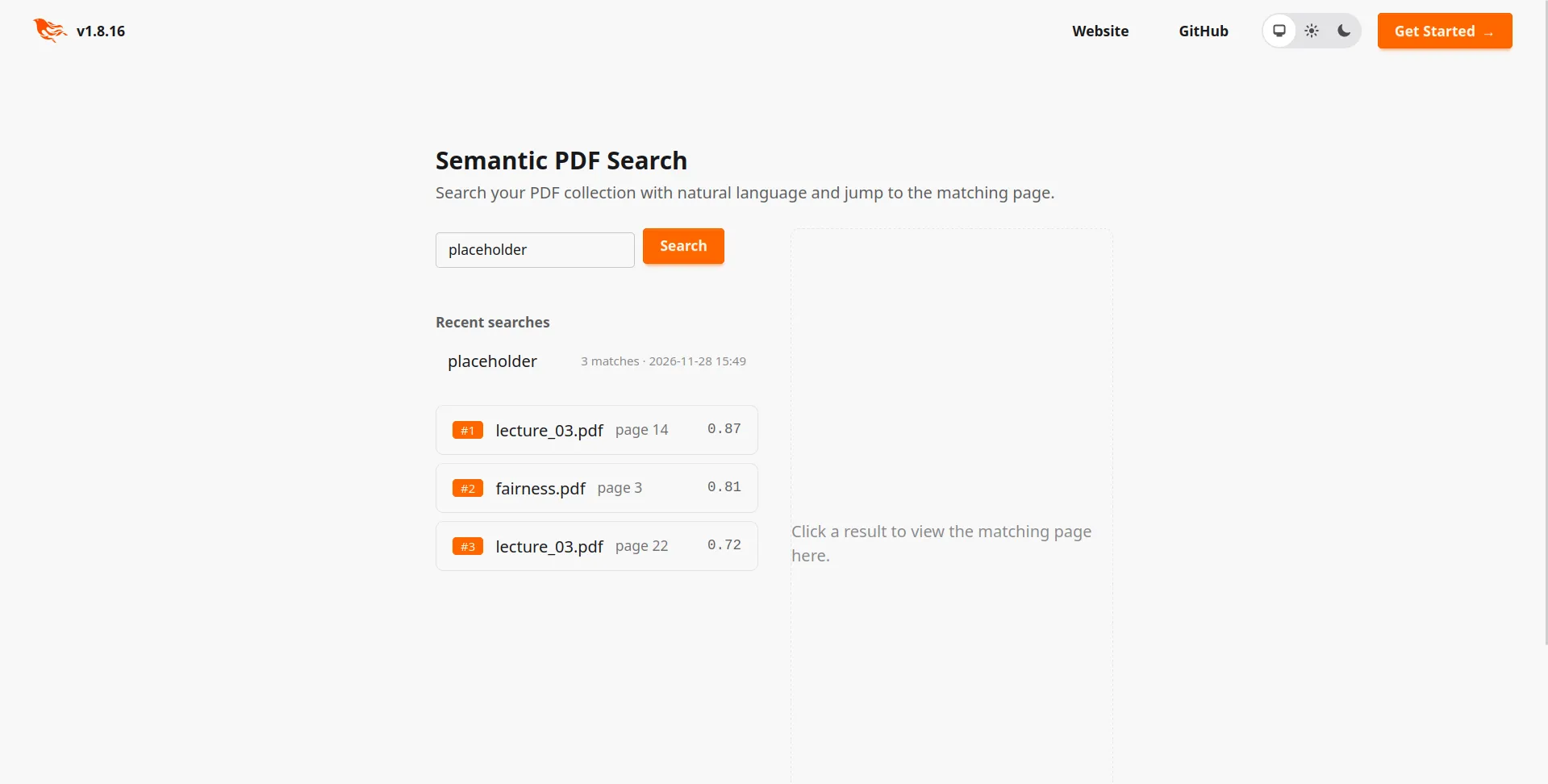
The ritual after every step, same as with LESS: the agent proposes, I verify, I allow the commit. That’s the loop:
You: one small prompt -> Agent: implements + runs tests -> You: review the diff
-> "looks good, commit" -> next promptA few prompts verbatim:
Setup
lets do an initial commit. What should we include? AGENTS.md? docs/? .gitignore..? README?read the spec and agents to confirm. Where do we track progress on acceptance criteriaThe answer — git history only, by design — became part of the flow above. And this is where the tutoring mode kicked in; we asked the agent to explain the project as we went:
for each message or step, take some time, maybe sentence or two, to explain how this
project and framework works. For example, why do we have test/less_ui and test/less_ui_web?
The answer — lib/ splits core from web, so test/ mirrors it — is the kind of thing you’d otherwise only learn by stumbling around a Phoenix repo. Small stuff like this is what the tutoring mode is for.
The CLI Adapter
Steps 3–5 went in one commit because they’re the smallest atomic, testable slice — the behaviour, the real implementation, and the fake. None of them does anything alone:
why are we doing steps 3-5 at once?One honest detour here: the spec planned System.cmd/3 for the CLI call — but it has no :timeout option in Elixir 1.19. The agent hunted for how to pass one, and the right move turned out to be reading the docs instead of guessing:
why not read a man page or ask me— and sure enough, the docs list no :timeout, so we switched to Port + send_after + Port.close.
first explain what we did + what every file does
looks good, commit
Green Tests, Crashed App
Then the incident I remember most. Searching for “fixture” in the running app crashed the GenServer:
** (stop) :enoent
:erlang.open_port({:spawn_executable, ~c"vsearch"}, ...)
All tests were green. Why? The test environment overrode search_cmd with the fake CLI; the dev config pointed at a vsearch binary that didn’t exist. Port.open raises :enoent for a missing binary, and nothing had ever exercised that path. The fix wrapped it in a rescue returning {:error, :cli_not_found}, defaulted dev to the fake CLI, and added tests at provider and LiveView level.
instead of running tests again and again, go through the code and find what you need.
Why did we crash the app when all tests passed? Are our tests adequate?A second, quieter bug surfaced the same way. @tag :timeout in a test file collided with ExUnit’s reserved :timeout tag. It silently corrupted the reported test count (a 10-test file reporting 3). The runner’s numbers stopped matching a static count of test blocks, which is what made us dig:
lets instead test individual test files, see how many tests they have, how many run
and how many pass. If there is an issue explain it clearly
Renamed to @tag :slow — 32 tests, 0 failures, exactly.
PDF Viewer and History
For showing PDFs I questioned the need for a JavaScript library. Native <iframe src="/pdfs/<file>#page=N"> does page-jumping with zero custom JS, and the spec’s ADR-0002 had already decided on it. (The book author had the rougher version of this moment: his agent generated a large block of untested code and struggled to make it work. Revert, then small steps — only then did the PDF viewer work.) In our run the native viewer went in cleanly. Serving the files safely meant one shared path guard (PdfPaths) used by both the CLI provider and the PDF controller: ../../etc/passwd gets a 404. Range requests needed hand-rolled 206 handling — Bandit’s send_file doesn’t parse Range headers itself.
why am I getting "That PDF file is missing or unreadable." when clicking on a result?Correct behavior — the dev pdfs/ folder didn’t exist yet. So we committed two tiny placeholder PDFs with distinct content markers. The fixture PDFs had been byte-identical, so the tests couldn’t prove the right file was served.
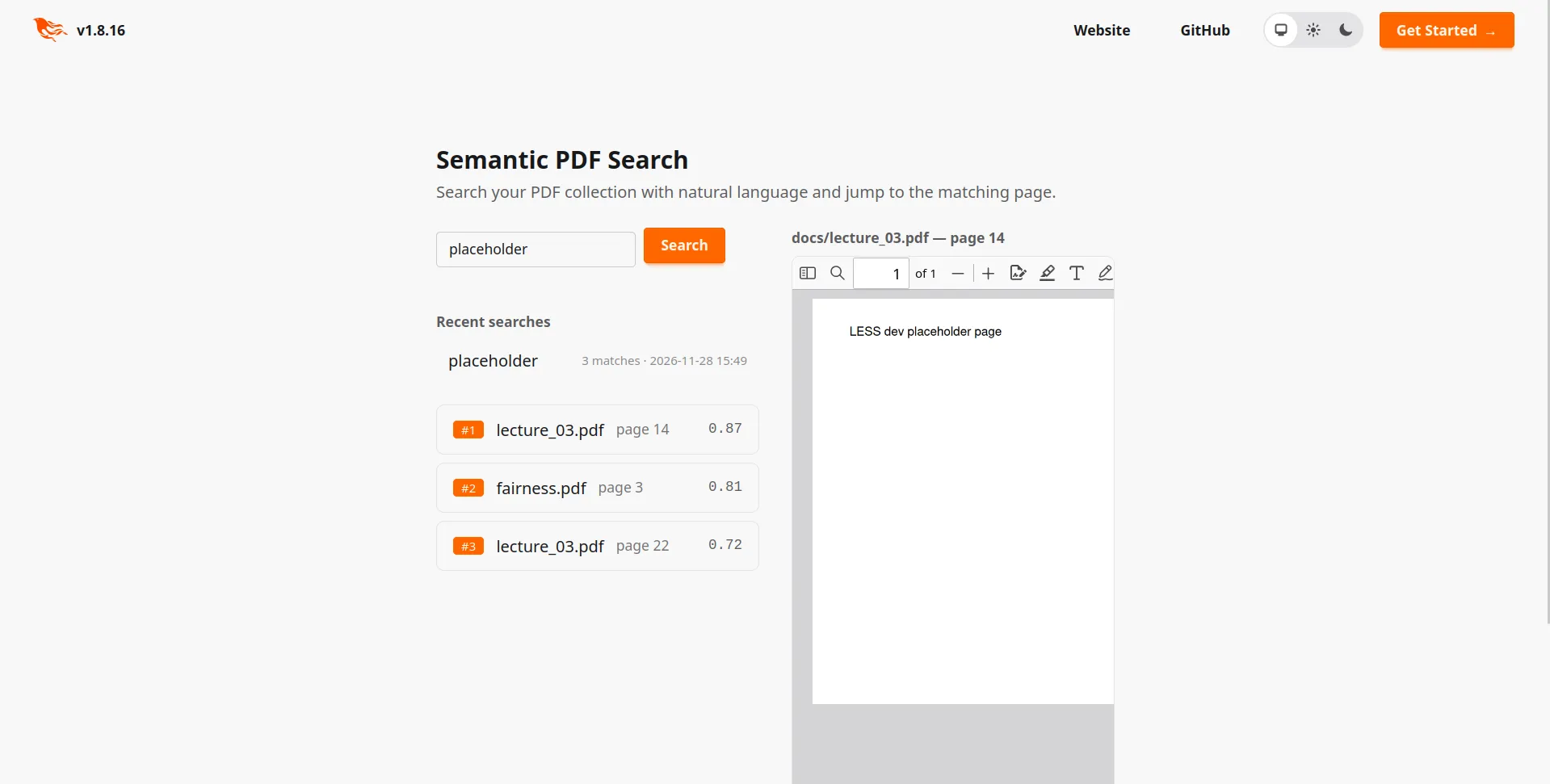
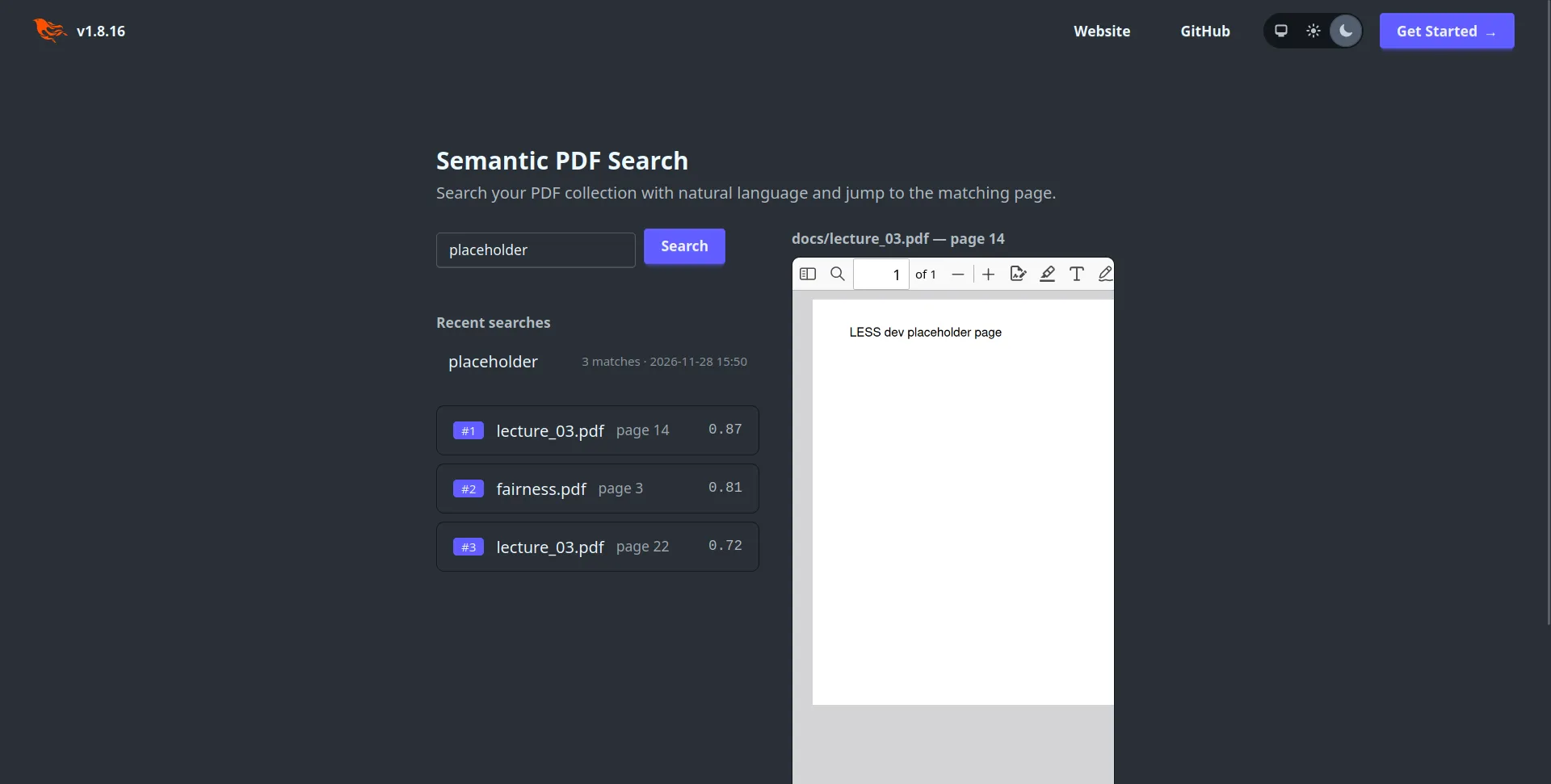
History was one migration, one schema, one context function, and the LiveView wiring — capped at 500 rows, last 20 shown, click to re-run.
The Disk That Filled Up
The last requirement was performance: measure search latency and PDF serving. The first benchmark attempt had the agent generate a large set of real PDFs — tens of gigabytes was the plan. It kept writing until the disk was fully full (0 kB free). The run failed because there was no space left, not because anything was wrong with the app. I did not expect this.
spend no more than 500MB on testing
bench_pdfs folder must not exceed 500MB. Plan accordingly
every time you create a folder that grows to at least 5GB. Why?
Root cause: writing hundreds of real multi-megabyte files on a filesystem that doesn’t do sparse allocation. The folder grew far beyond what was planned. The fix was sparse files, a du guard that aborts, and cleanup afterward. Result: search averaged 0.66 ms (max 6.06 ms) against a 300 ms budget, and 50 range requests all answered 206 with byte-exact 64 KB ranges at 0.52 ms average. Then the folder was deleted — benchmarks aren’t stored, the spec doesn’t require it, and the tree went back to clean.
The Silent Commit
One more process lesson: at one point the agent reported a commit that never landed (“authorization channel closed” — a tool-level failure it didn’t surface). Steps 6 and 7 were sitting uncommitted. I only found out by asking:
look at git status, or modified files. does this commit message reflect reality?It didn’t — we split them into separate commits and only then was the tree truthful.
recall, before each commit, explain what we have done, simplygit status. Silent tool failures leave the history lying.Learning Along the Way
The tutoring prompts were the part I underestimated. Not “write the code” but “explain” — we used the one above throughout the build, and then saved the best one for last:
reread the project and explain it to a JavaScript Svelte developerThat last one produced the best mapping I got out of the whole project:
- LiveView is server-side-rendered components that stay connected over a WebSocket (SvelteKit without the client bundle).
- A GenServer is a serialized singleton process that owns all searches, one CLI call at a time.
- An Elixir
@behaviouris dependency inversion — the CLI behind an interface so tests inject a fake. - Ecto/SQLite is the history store.
Ten commits, 58 tests, every must-requirement done, performance measured. The last one is docs: add MIT license, because shipping code means licensing it.
The book’s own What We Covered summary turned out to match our experience almost word for word. The author lists what worked — a full app in under an hour, hands-on Elixir/Phoenix exposure, docs better than usual. And what didn’t — the agent skipping tests, assuming things worked without checking, adding needless complexity. We saw all three. And his closing point is the one this post is really about: it’s entirely possible to learn a new language and framework while shipping real features — if you combine curiosity with structure. He adds that supervising teaches the language in context, but small exercises from Exercism or a book like Learning Elixir do jobs that supervising alone can’t.
Results and Reflections
- The split files worked:
docs/spec.mdwith 9 requirements and acceptance criteria, 3 ADRs for the contested decisions (SQLite as a learning goal, native PDF viewer over PDF.js, no cache — serialized GenServer instead),AGENTS.mdfor the standing rules, README written last, deliberately. - Green tests are necessary, not sufficient — the
:enoentcrash and the test-count corruption both happened with a green suite. - Bound your benchmarks before running them — the disk-fill was the most expensive single lesson, and it cost 0 kB of anything else.
- Check
git statuswhen the agent says it committed — silent failures leave the history lying. - The book warns about AI sycophancy — agents tend to agree with the user, so stay alert and critical. His own example is the untested PDF-viewer block; in our run the same vigilance meant questioning the JS library and sticking to ADR-0002.
- Learning a language while shipping features works — but only with structure around the agent. Curiosity plus process; the assistant fills in the gaps.
What We Covered
- Separation of concerns in markdown — spec for WHAT with acceptance criteria,
AGENTS.mdfor HOW, README for humans, ADRs for WHY. - Walking skeleton — the thinnest end-to-end slice first, then one requirement per commit.
- Tests as the yardstick — but test the error paths and the configs you actually run, not just the happy path.
- The agent as tutor — “explain this to me” prompts beat reading docs for a language you’re learning.
- Stay in control — review every diff, commit only what’s verified, roll back when the direction is wrong.
Conclusion
- Last time we built a CLI in a language we knew. This time we built a web app in one we didn’t — same one-prompt-one-commit discipline, sharper file split.
- The process did the heavy lifting: spec for WHAT,
AGENTS.mdfor HOW, tests as the only trustworthy “done”, review before every commit. - The agent is a great tutor and a great junior dev. You’re still the one in charge.
The code is available at https://github.com/codebykolev/less-ui, under the MIT License — same as LESS.